QReadMoreLessLabel#
QReadMoreLessLabel renders rich text that can either stay as a compact preview
or expand into a longer two-column explanation.
The widget expects marker tokens inside the input string:
<split>separates the left and right content areas<moreless>enables the collapsible preview mode
from qtpy.QtWidgets import QApplication

from qtextra.config import THEMES
from qtextra.widgets.qt_label_read_more import QReadMoreLessLabel

app = QApplication([])

text = """
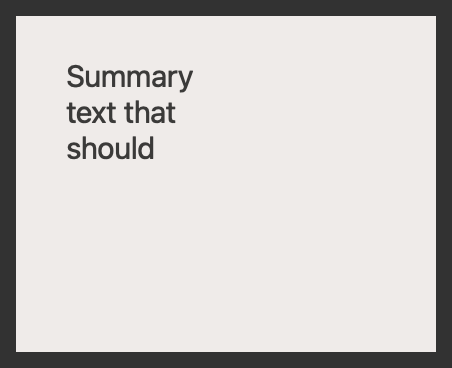
Summary text that should stay visible.
<moreless>
Expanded left column content.
<split>
Expanded right column content.
"""

widget = QReadMoreLessLabel(None, text)
THEMES.apply(widget)
widget.show()

app.exec_()
Notes#
- Without
<moreless>, the widget behaves like a static two-column rich-text label. - With
<moreless>, clicking the widget toggles between the summary and full content. - If the right-hand expanded content is empty, the separator and right label are hidden automatically.
API#
Qt Class#
Methods#
Read more/less label.