DialogThemeEditor#
DialogThemeEditor provides a live editor for qtextra themes. It can:
- switch between registered themes
- duplicate the current theme into a new editable theme
- edit all built-in theme colors
- update theme type, console syntax style, and font sizes
- restore the bundled
darkandlightdefaults - save the current theme configuration through
THEMES.save_config()
Basic Usage#
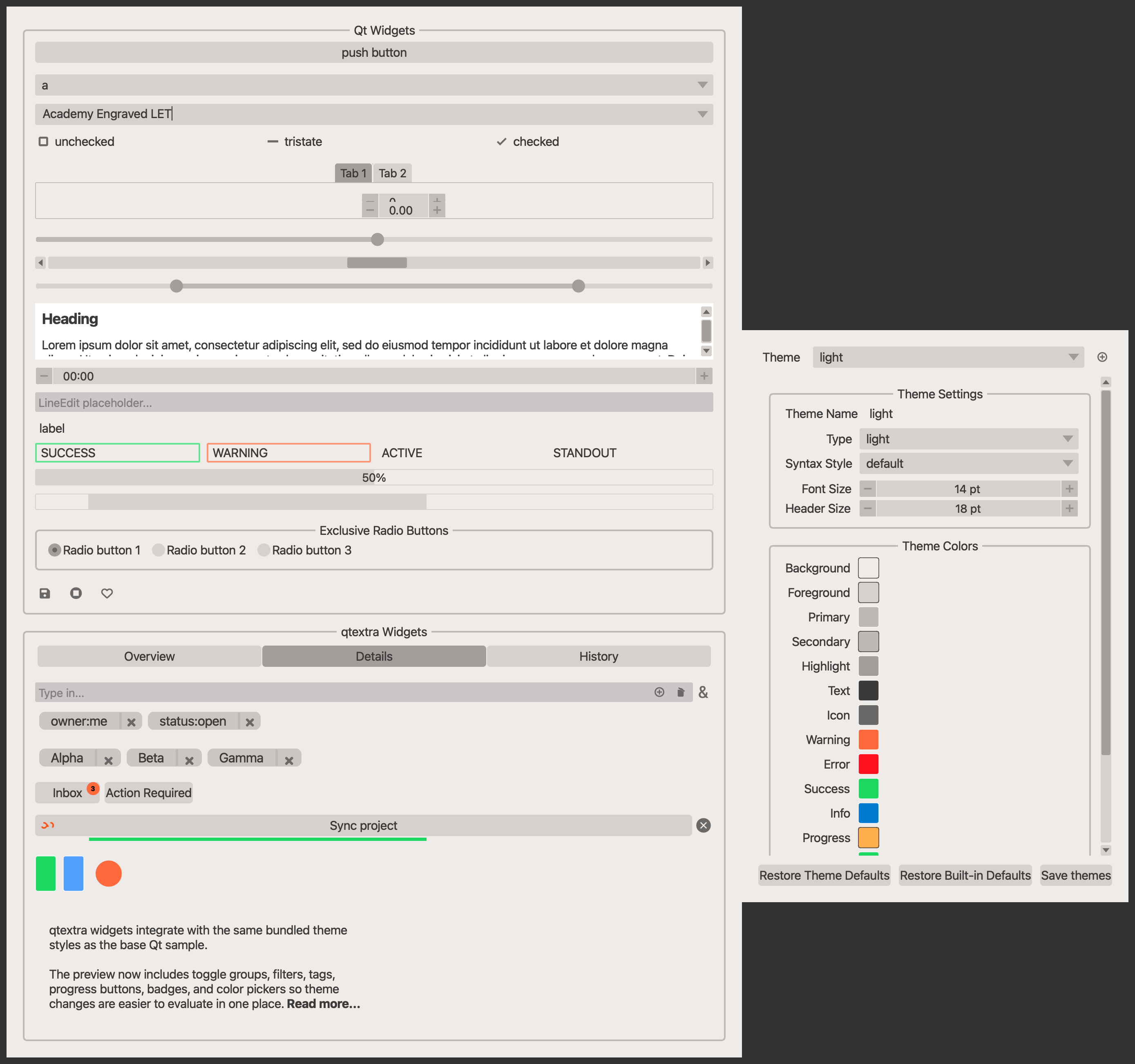
Source: examples/dialog_theme_editor.py
"""DialogThemeEditor example."""

from qtpy.QtWidgets import QApplication

from qtextra.config import THEMES
from qtextra.dialogs.qt_theme_editor import QtThemeEditorDialog
from qtextra.dialogs.qt_theme_sample import QtSampleWidget

app = QApplication([])

preview_target = QtSampleWidget()
preview_target.setWindowTitle("Theme target")
preview_target.resize(900, 700)
THEMES.apply(preview_target)
preview_target.show()

editor = QtThemeEditorDialog(None, dlg=preview_target)
editor.resize(300, 700)
THEMES.apply(editor)
editor.show_right_of_widget(preview_target)

app.exec_()
If dlg is omitted, the editor opens its built-in preview dialog using the
sample widget from src/qtextra/dialogs/qt_theme_sample.py.
Notes#
- Color fields use the library's
QtColorSwatchwidget. - Font sizes are stored in the theme config as point sizes.
- Console syntax styling is backed by available Pygments styles.
- New themes are registered with the theme manager so theme-aware widgets can discover them immediately.