QtQtaLabel (variants)#
Theme-aware static and animated icon labels built on QtAwesome mappings.
Screenshot#
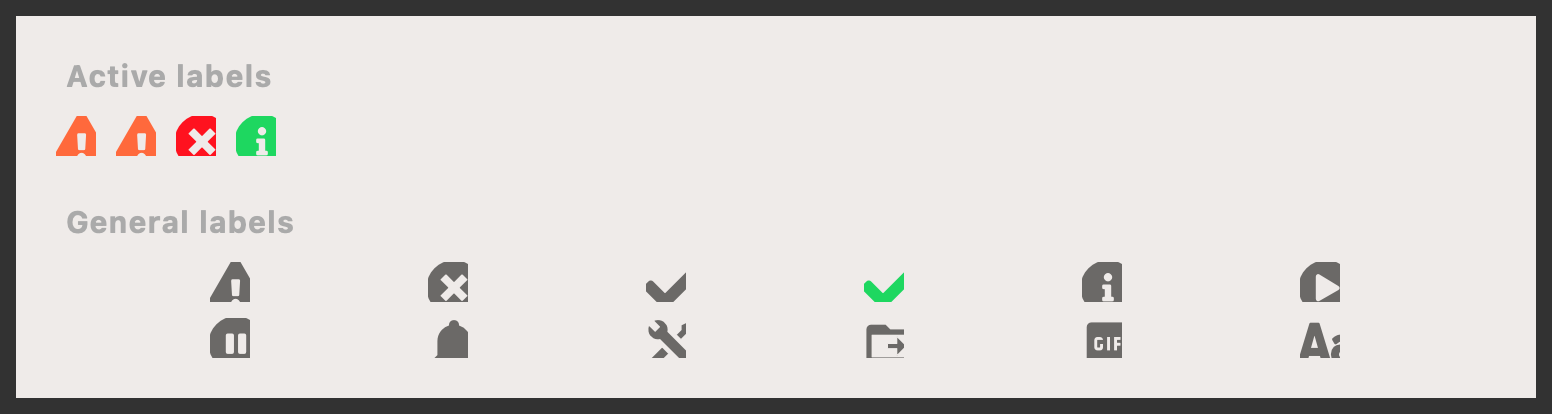
Example#
Source: examples/qt_label_icon.py
"""QtQtaLabel."""

from qtpy.QtWidgets import QApplication, QGridLayout, QHBoxLayout, QVBoxLayout, QWidget

from qtextra._example_helpers import divider, section
from qtextra.assets import get_icon
from qtextra.config import THEMES
from qtextra.widgets.qt_label_icon import QtPulsingAttentionLabel, QtQtaLabel, QtWarningPulseLabel

app = QApplication([])

widget = QWidget()
widget.setMinimumWidth(760)
THEMES.apply(widget)


main_layout = QVBoxLayout(widget)
main_layout.setSpacing(10)


# Active labels
main_layout.addWidget(section("Active labels"))
active_layout = QHBoxLayout()
active_layout.setSpacing(10)
main_layout.addLayout(active_layout)

active_layout.addWidget(QtWarningPulseLabel(interval=1000))
for qta_name, theme_color in [
    ("warning", "warning"),
    ("error", "error"),
    ("info", "success"),
]:
    label = QtPulsingAttentionLabel(
        qta_name=qta_name,
        color_from_key=theme_color,
        color_to_key="icon",
        interval=1000,
    )
    label.setToolTip(f"Pulsing attention — {qta_name}")
    active_layout.addWidget(label)
active_layout.addStretch(1)
main_layout.addWidget(divider())

# General labels
main_layout.addWidget(section("General labels"))
grid = QGridLayout()
grid.setHorizontalSpacing(12)
grid.setVerticalSpacing(8)
main_layout.addLayout(grid)

for index, name in enumerate(
    [
        "warning",
        "error",
        "success",
        "success_color",
        "info",
        "start",
        "pause",
        "notified",
        "settings",
        "folder",
        "gif",
        "font_size",
    ],
):
    qta_name, qta_kws = get_icon(name)
    label = QtQtaLabel()
    label.set_qta(qta_name, **qta_kws)
    label.setToolTip(f"{name} :: {qta_name}")
    label.set_qta_size_preset("large")
    grid.addWidget(label, index // 6, index % 6)

widget.show()

app.exec_()
Notes#
- Use static labels for status icons and pulsing labels when something needs attention without a full dialog.
API#
Qt Class#
Methods#
Qt Class#
Methods#
An icon label that pulses between two colors to draw user attention.
The icon smoothly interpolates from color_from to color_to and back,
completing one full cycle every interval_ms milliseconds.
Use start_pulsing() / stop_pulsing() to control the animation at
runtime — e.g. start when a condition requires attention and stop once
the user has acknowledged it.
Example usage::
label = QtPulsingAttentionLabel(
    qta_name="warning",
    color_from_key="warning",
    color_to_key="icon",
)
label.setToolTip("Needs your attention!")
layout.addWidget(label)
Qt Class#
Methods#
A warning icon label that pulses indefinitely.